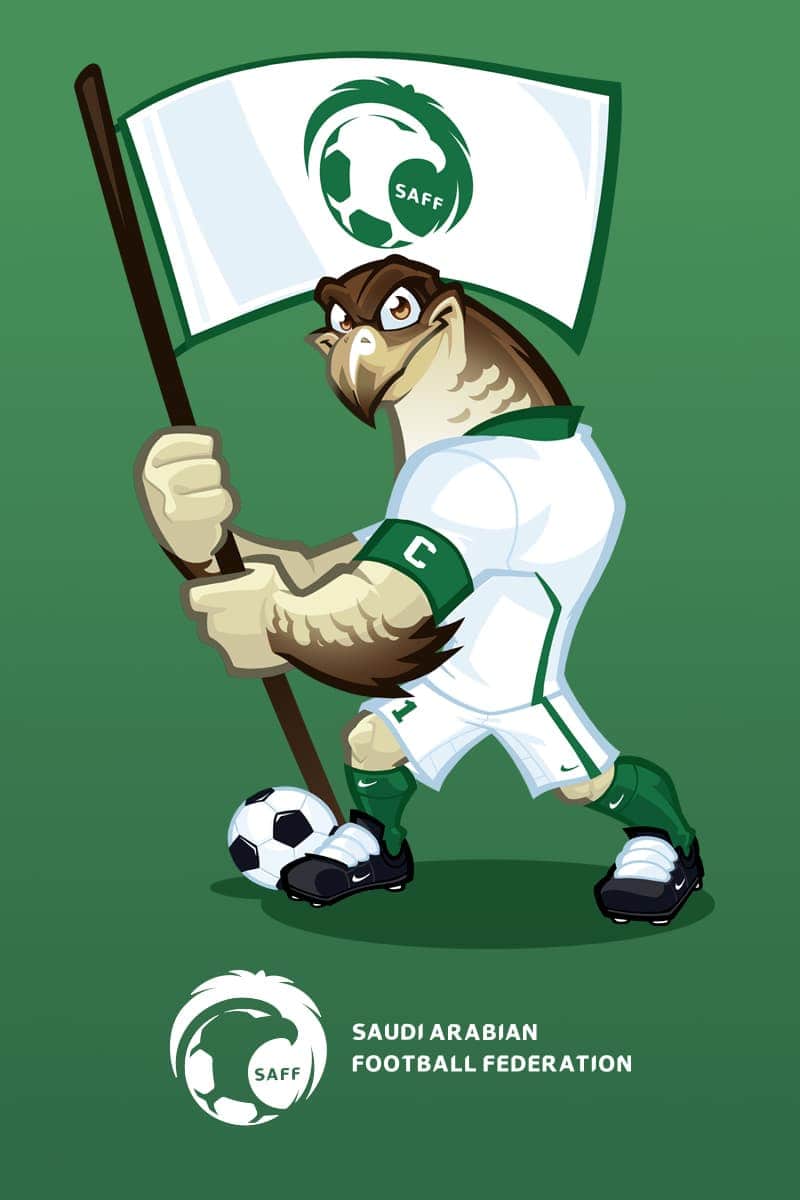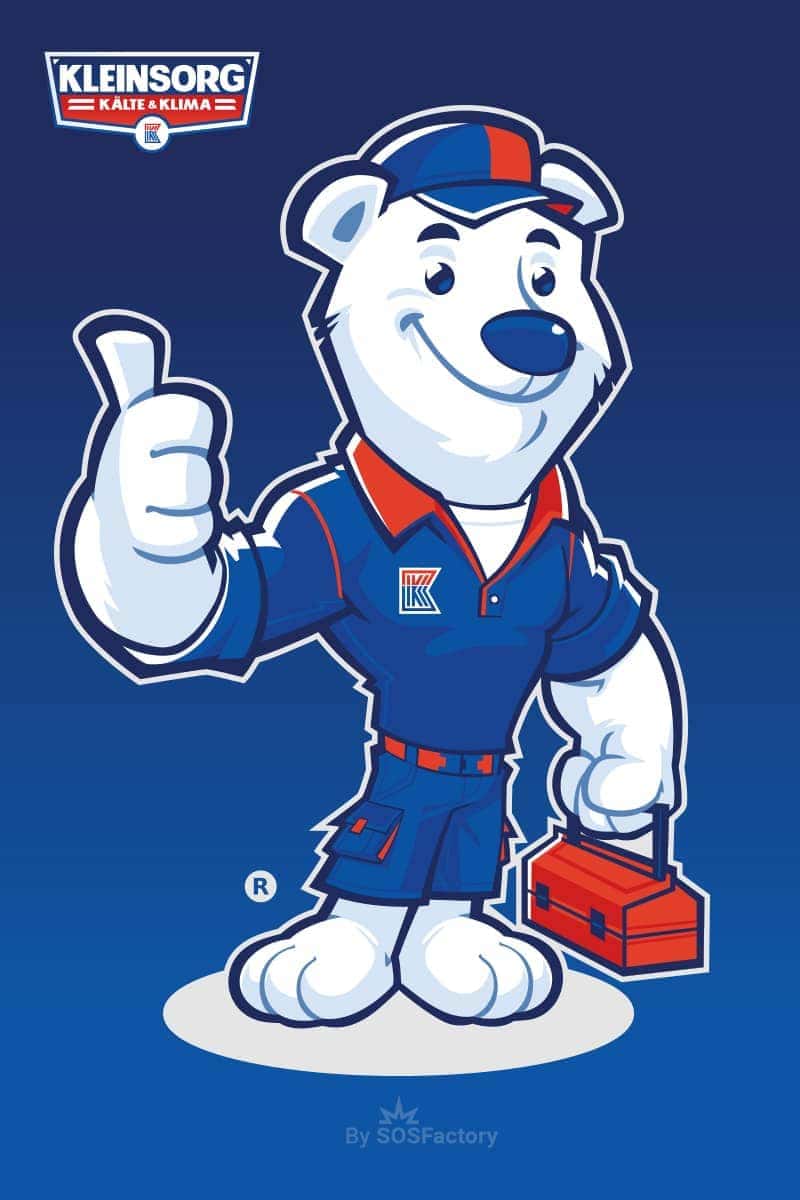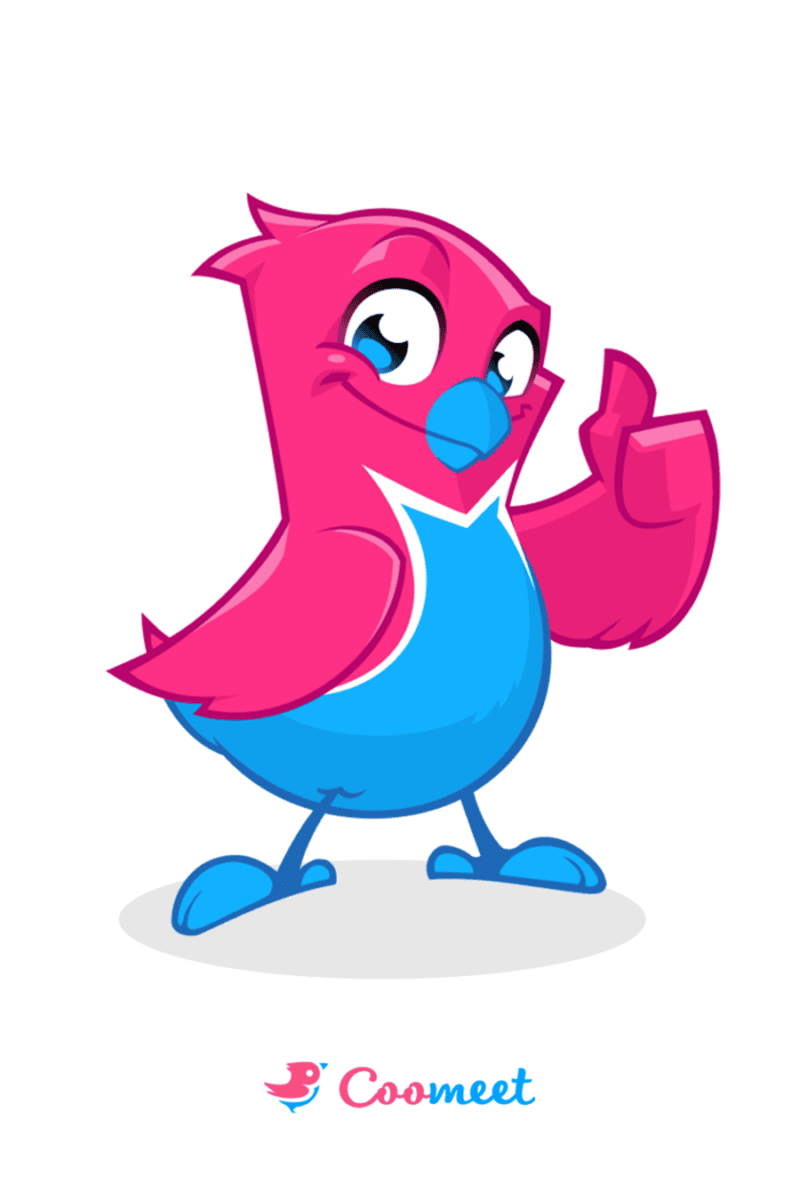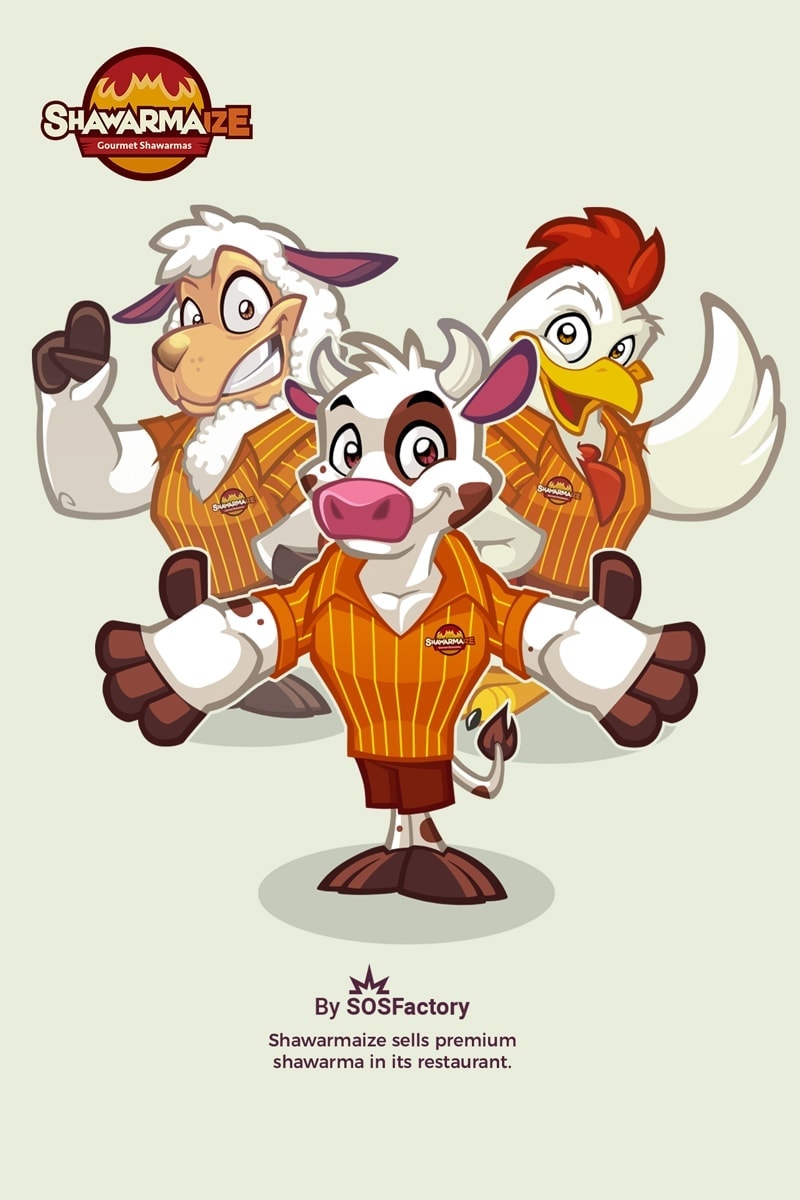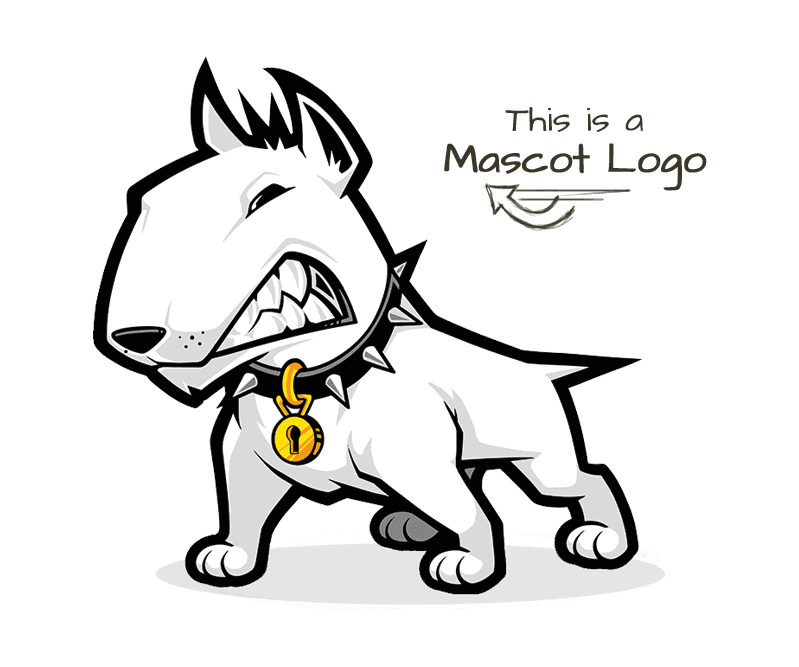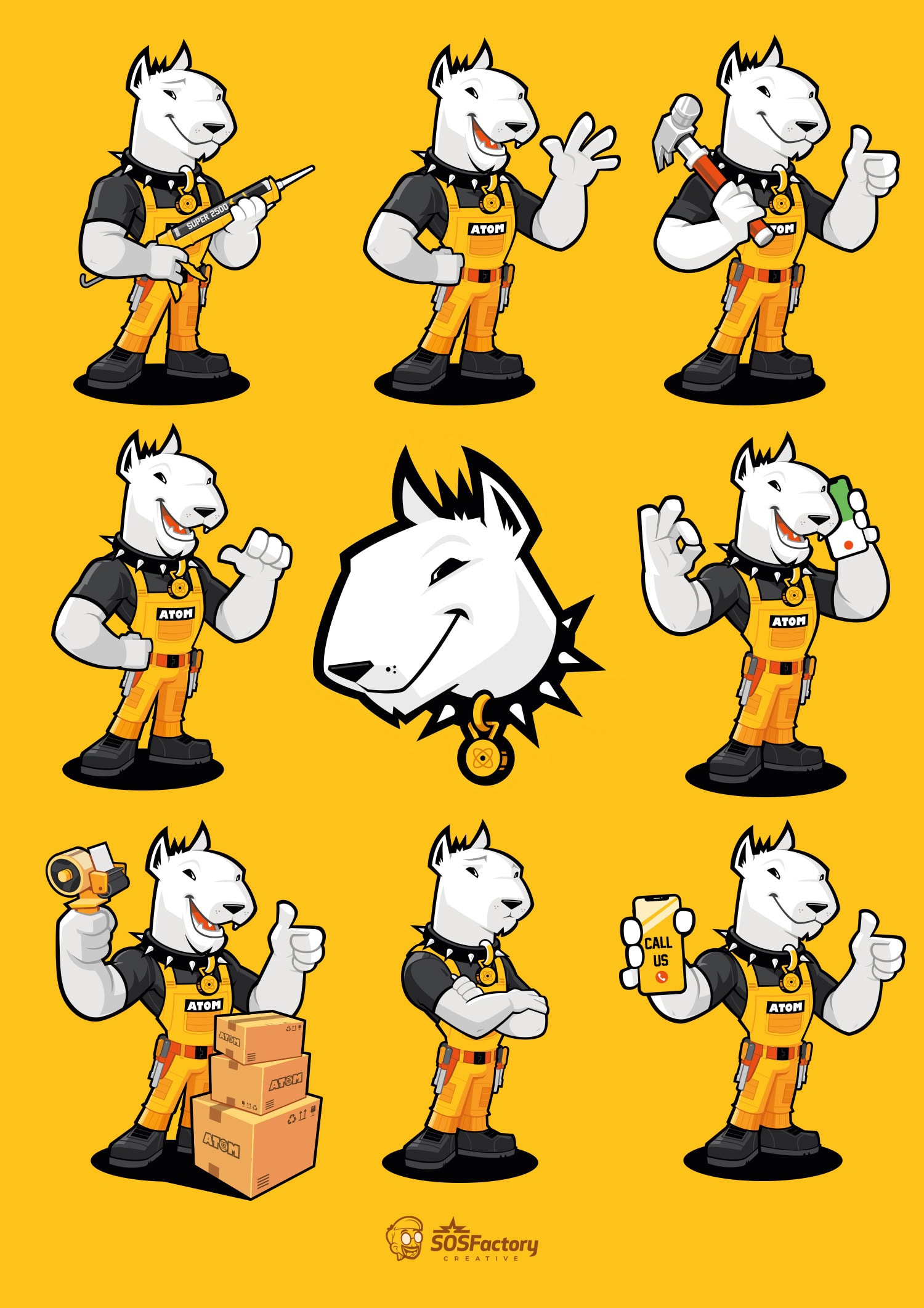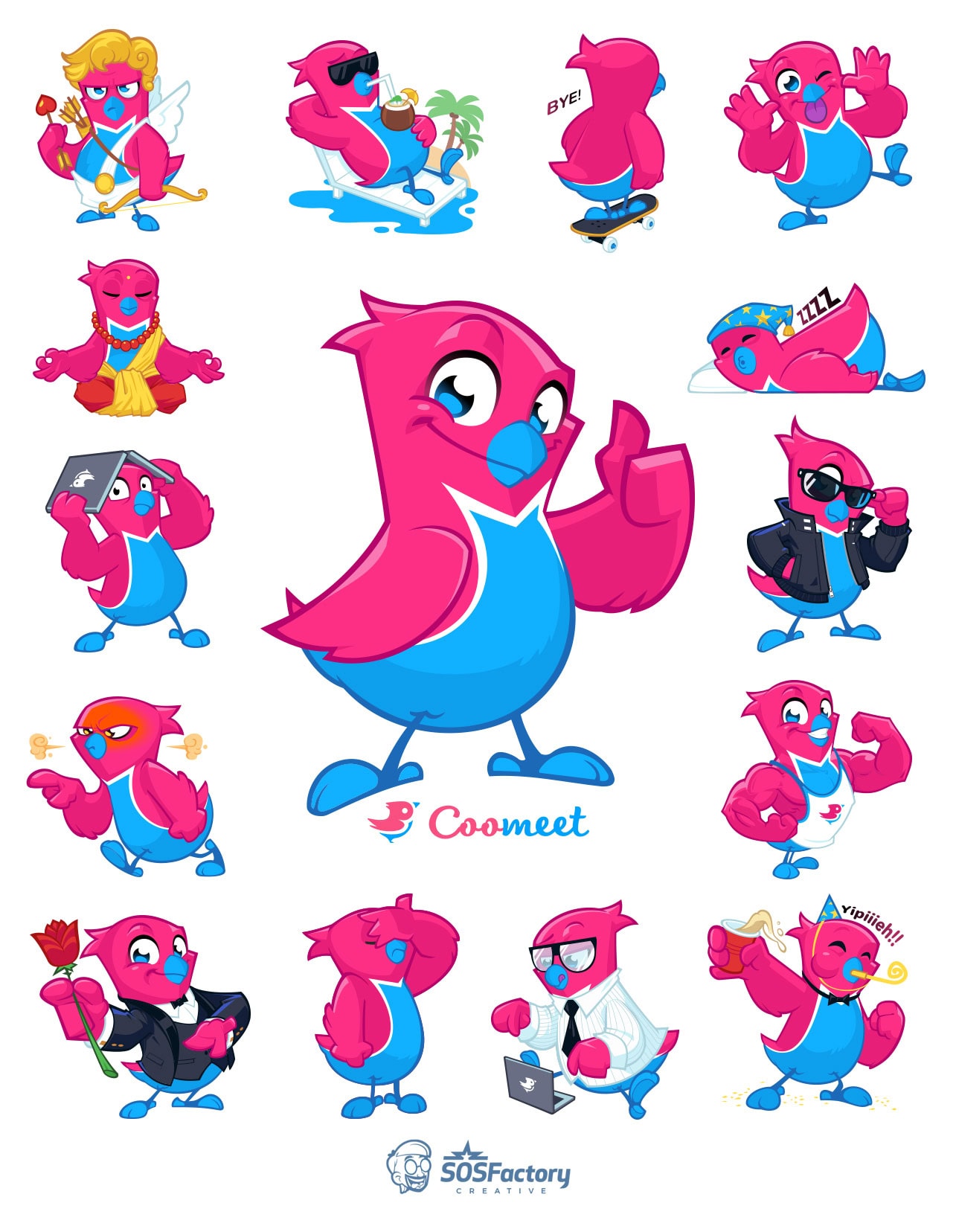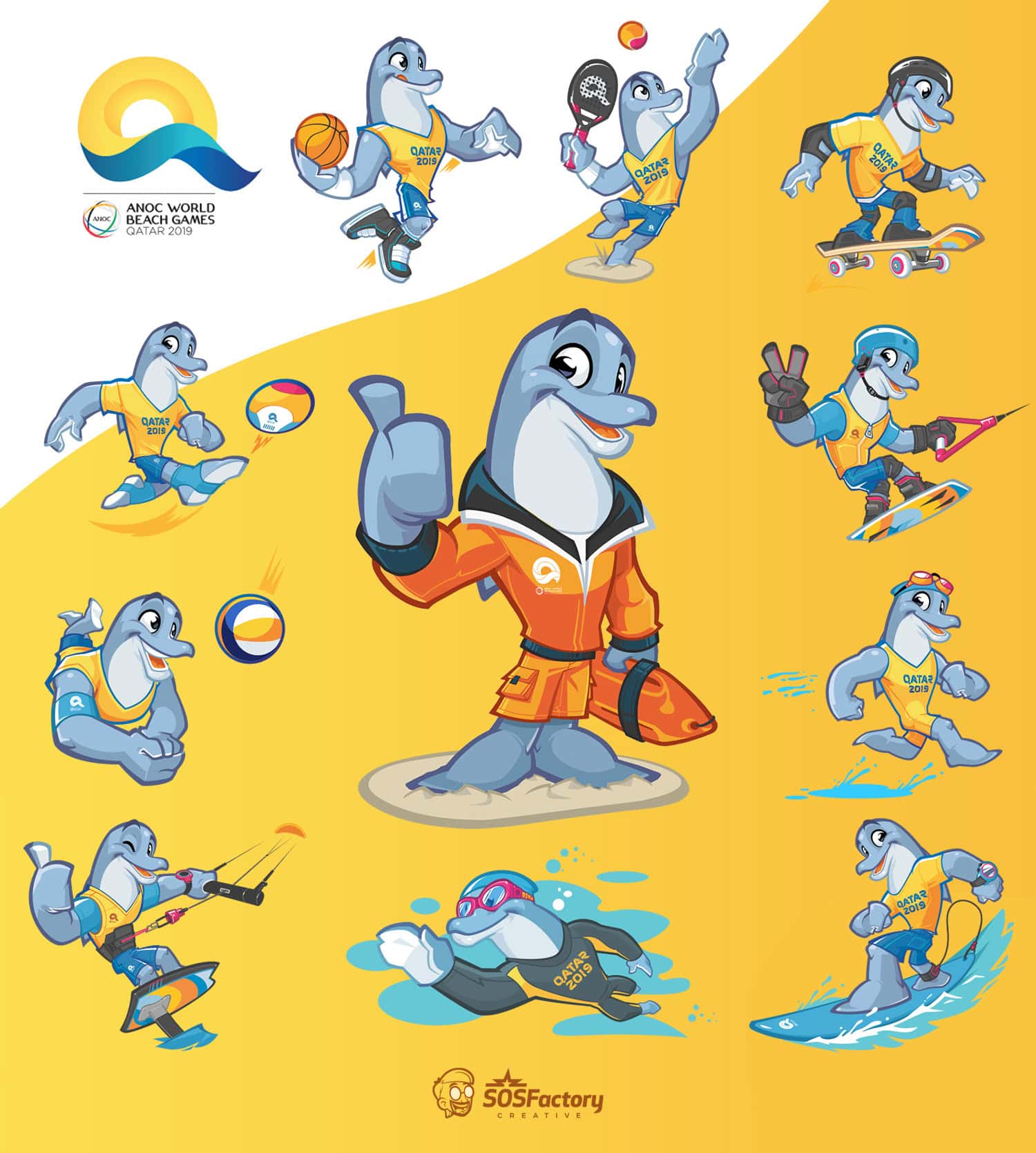


Mascot design for webs is one of my specialties, in the last few years I’ve been designing dozens of corporative characters for webs. Clients are usually very satisfied with the design, but they don’t know how to make the most out of it.
Sometimes they have to use them at very small sizes, sometimes they are not well fitted in the context, very often they modify the design with disastrous results, usually they are too agressive with the compression of the image… and in many cases they don’t make a real usage of the designs.
Points you should have in consideration to make the most out of your mascot design.
- First of all, consider if you really need a mascot design. Is it adecuate for your public objective?
- Program your web in order to make the most out of your character design.
- Remember: the bigger you show the illustration (within reasonable limits) the nicer it will look.
- Leave margins around the illustration, let the design breathe.
- Make the mascot interact with the rest of the web, be creative.
- Apply your corporative colors to your mascot.
- Design a versatile mascot, this way you can use it for banners, avatars, T-shirts, or your "about" page.
- Choose a concept that matches your corporative values.
- Optimize the weight of the illustration, save it as JPG at 60%.
- If you have to make later modifications, ask the author of the design.
- Order your designs in high resolution (till 7000×7000px) or in vectorial format. This way you can print any size you need.
- Watch if your design fits the basic principles when it comes to design a mascot.
Characteristics of a good mascot design
- Memorable, it must cause impact.
- Easy to remember, it must remain etched in the memory of the observer.
- It must be unique, and easy to discriminate from the competitors
- Attractive, the character must be attractive for our target public.
- Iconic, the character must represent the corporative values of the brand.
- Functional, it must work in banners, in the headline of the web, in the logo.

Effective ways to integrate the designs of the characters in the web.
The use of the mascot integrated in the logotype is the most common way to integrate the character. This way we associate the character with the brand, it´s one of the most effective ways to use a mascot.
We can integrate the mascot very effectively by using it as an icon or integrating it in the buttons. We can use it in the "over" state of our buttons and animate it in Flash:
One of the most effective ways consists of using the illustration all the wide of the web. You sacrifice a lot of space but you get a great visual impact. John Cow’s web was a good example of this, too bad they are reducing more and more the size of the illustration instead of optimizing the remaining space.
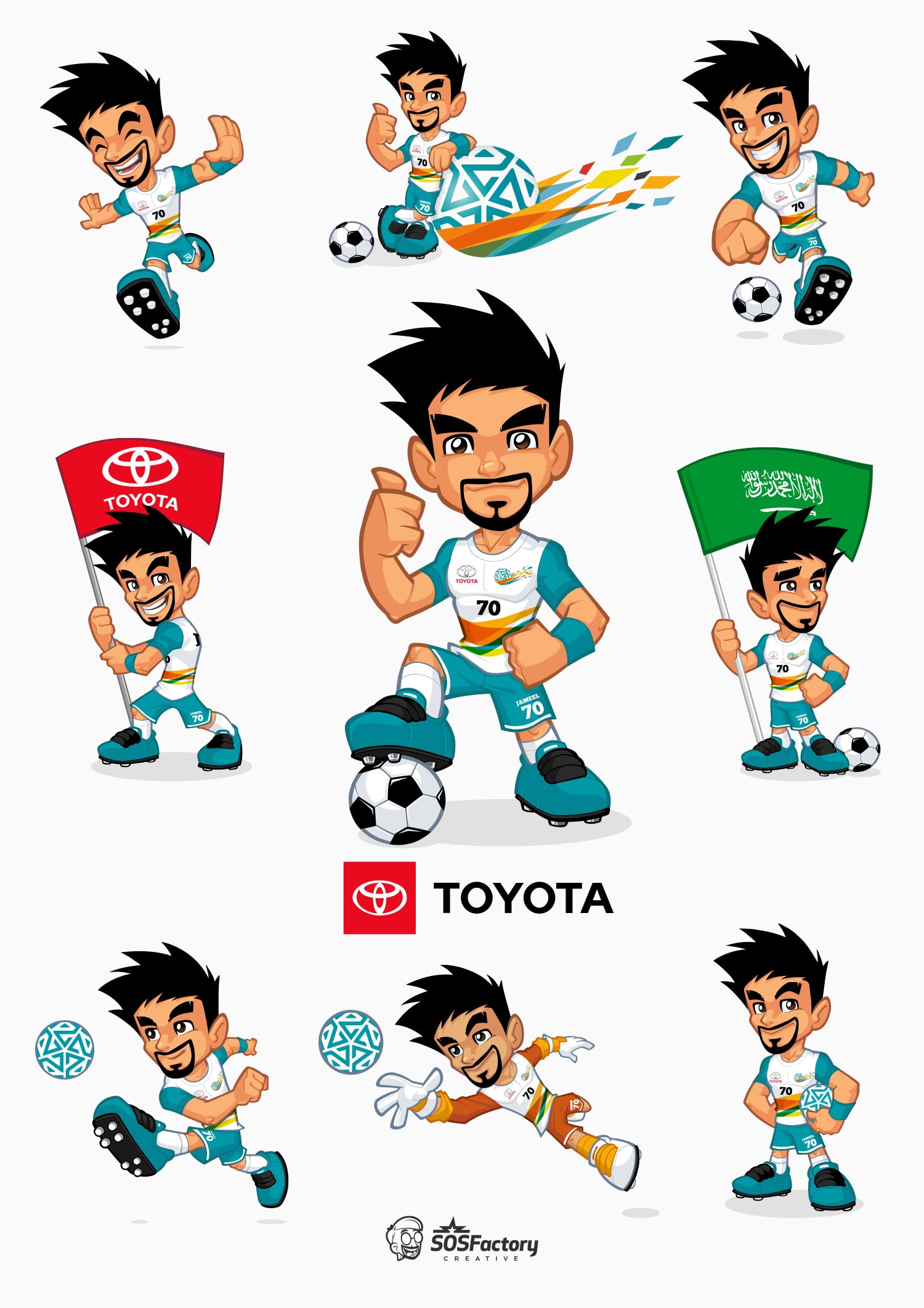
We don’t really need to use the mascot in the headline of the web, we can use it to highlight certain elements of the design:
To finish, some banners with character designs:


16 November 2009 at 7:43 PM
Excelentes tips, Sergio..¿qué opinas de este?: http://www.falconknives.com/
16 November 2009 at 8:08 PM
Some nice illustration here – thanks.
16 November 2009 at 10:49 PM
Vey nice Diana, it´s a shame the header is so narrowed, it could looks much better at a bigger size.
17 November 2009 at 12:19 AM
yeah :/ thank you Sergio!!
Cheers.
17 November 2009 at 12:30 AM
Sergio, no sé cual diseño viste del link q mencioné, pues lo cambiaron, en realidad es este :
http://greatdiane.deviantart.com/art/Falcon-Knives-Logo-143756276
17 November 2009 at 12:55 AM
que cantidad de personajes…
Sergio, has hecho alguno de esos sitios completos? o solo las mascotas?
17 November 2009 at 5:01 AM
¿sabes q sería genial? Que hagas un video con animoto.com puedes mostrar tus diseños como un video, bueno chécalo
17 November 2009 at 9:31 AM
@Juan Pablo: no solía diseñar sitios completos hasta hace poco, ahora mismo trabajo en un par de ellos.
@Diana: si tuviera un poco más de tiempo me pondría con After Effects, aunque es más complejo seguro.
Saludos!
17 November 2009 at 6:33 PM
absolutamente AE es mejor
aunqu con Animoto es más rápido
4 December 2009 at 5:40 PM
plz tell me using what program u draw this mescots? is there any tips.. tutorials?! plz reply..
12 December 2009 at 8:24 AM
hola sergio ante todo debo felicitarte tu arte inspira a mucha gente especialmente a mi, te cjuento que tengo una web la cual me gustaria que veas y que me des tu opinion, seria de mucha ayuda una opinion como la tuya, en cuanto a los personajes, diseños etc. tambien te cuento que me compre la cintiq, y estoy esperandola aun porque no me llego, soy de argentina,aca las cosas tardan en llegar, te queria preguntar algo de la cintiq, solo funciona con el lapiz no? con los dedos no, no? digo porque si uno apoya la palma de la mano se marcaria, y rd como si uno apretara varias partes a la vez. no se si soy claro, quizas no. la pregunta es si la cintiq solo responde al tacto del lapiz? bueno, te agradezco por tu tiempo, muchas gracias y felicitaciones por tu arte. es espectacular!!!
12 December 2009 at 11:36 AM
Hola Andrés, felicidades por el nuevo juguete. Estás en lo cierto, sólo es sencible al lápiz, si no sería bastante complicado.
13 December 2009 at 12:23 AM
Muy bueno. Gracias por todo lo que compartes con nosotros.
13 December 2009 at 8:04 AM
si, muchas gracias te cuento que me lo compre con la plata ganada del concurso de logos de freelancer.com gane el people choice award y el septimo lugar
te guto mi web? alguna critica?
14 December 2009 at 3:02 AM
Enhorabuena entonces!
Creo que deberías trabajar un poco los márgenes y alineamientos de tu web, por lo demás me gusta la imagen.
30 December 2009 at 8:36 PM
Hola, Andrés, una pregunta ¿compraste la tableta por Amazono o ebay? tengo curiosidad porque noté que Amazon no envía aparatos eléctricos como es el caso de las tabletas.
20 January 2010 at 1:36 AM
Bueno soy nuevo al entrar a este blog y me impresiono lo que vi tus diseños son muy buenos a mi se me dificulta un poco lo que es darles perspectivas a las imagenes y la calidad de la imagen, quisiera saber como haces para diseñar los logos ( me refiero a como los dibujas )… Si me ayudaras te lo agradeceria Ok! Diseños Espectaculares!
21 January 2010 at 5:43 PM
Hola Javier, muchas gracias.
Echa un ojo a este tutorial: http://www.sosfactory.com/blog/how-to/photoshop-tutorial-3d-logo/
Saludos.