



7 best drawing exercises for creating cartoon characters
Last updated: April 3, 2025
You probably will agree with me when I say it’s REALLY hard creating cartoon characters that seem alive. But what if I tell you that…
You can learn how to draw better cartoons in JUST 30 MINUTES a day!
(for your whole life 🙂 )
If you want to learn how to create professional cartoon mascot, this post could be a great starting point. I will share my best 7 quick drawing exercises for beginners to improve your drawing skills. With some practice, you will be able to draw characters like a pro.
Feel free to download those characters sketches to practice.
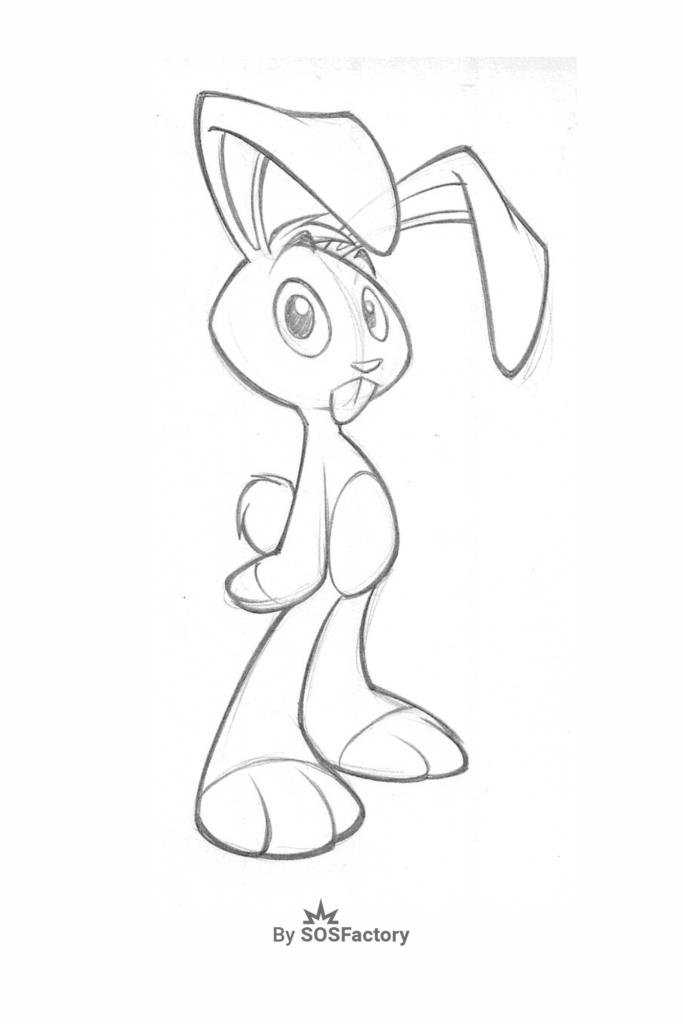
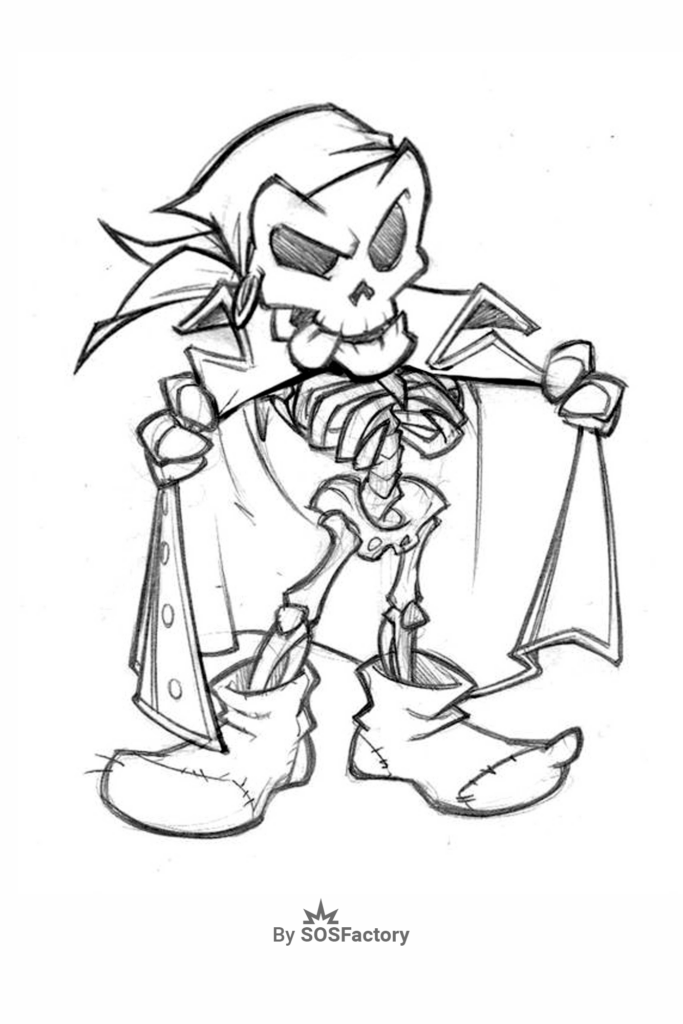
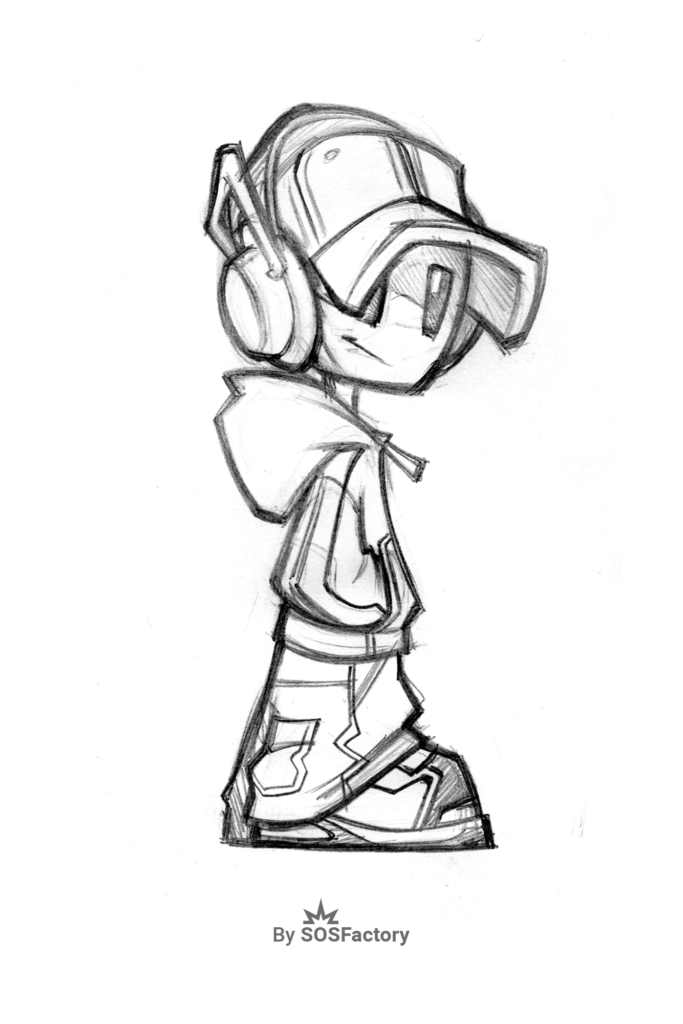
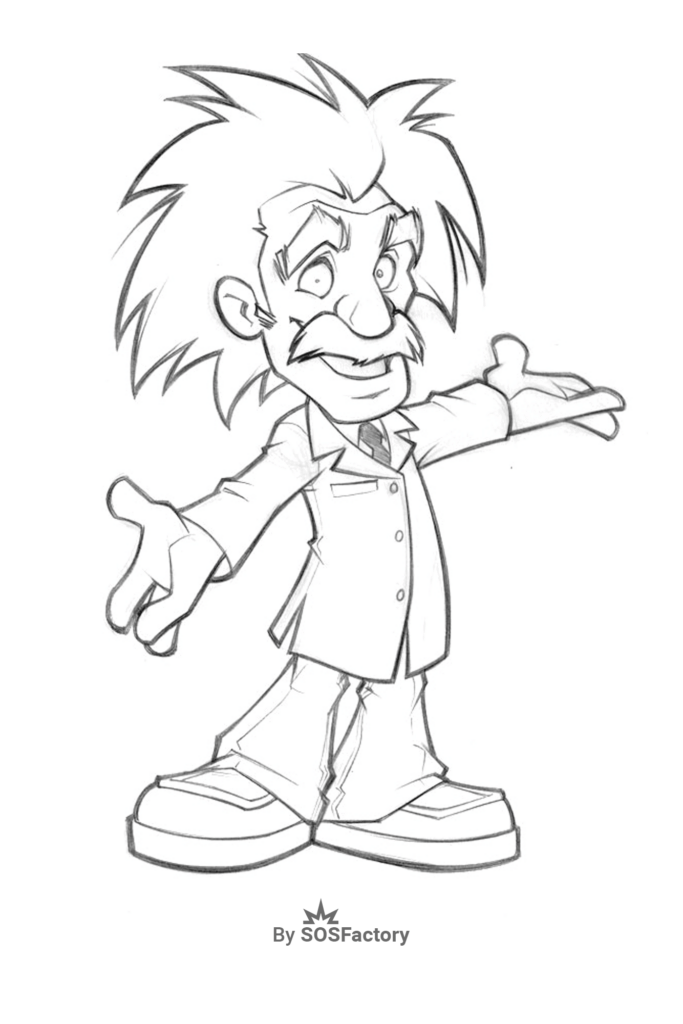
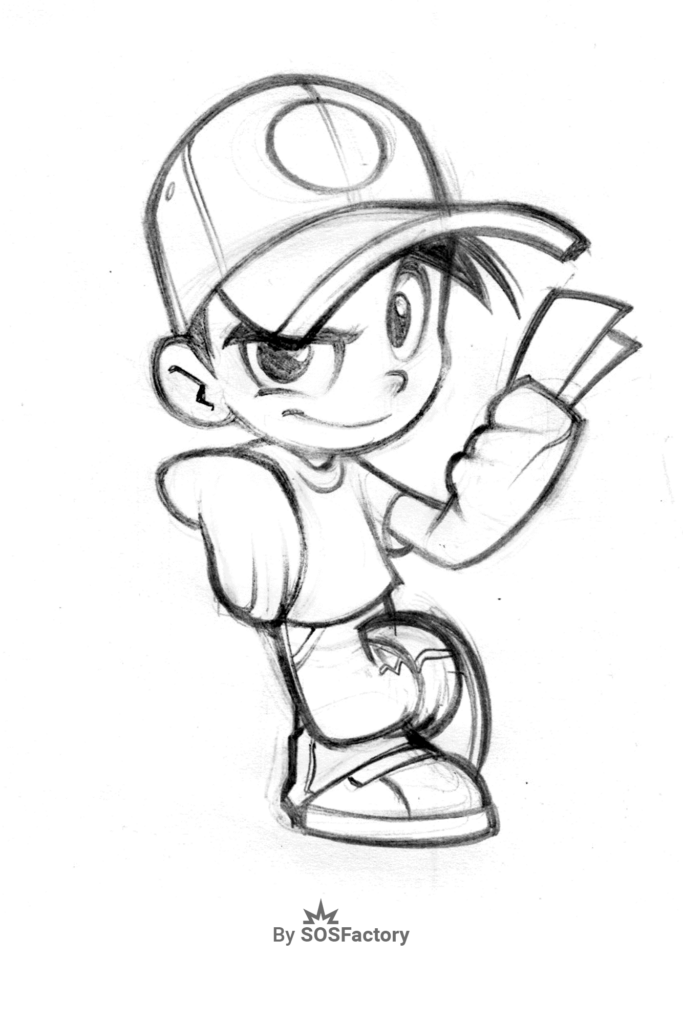
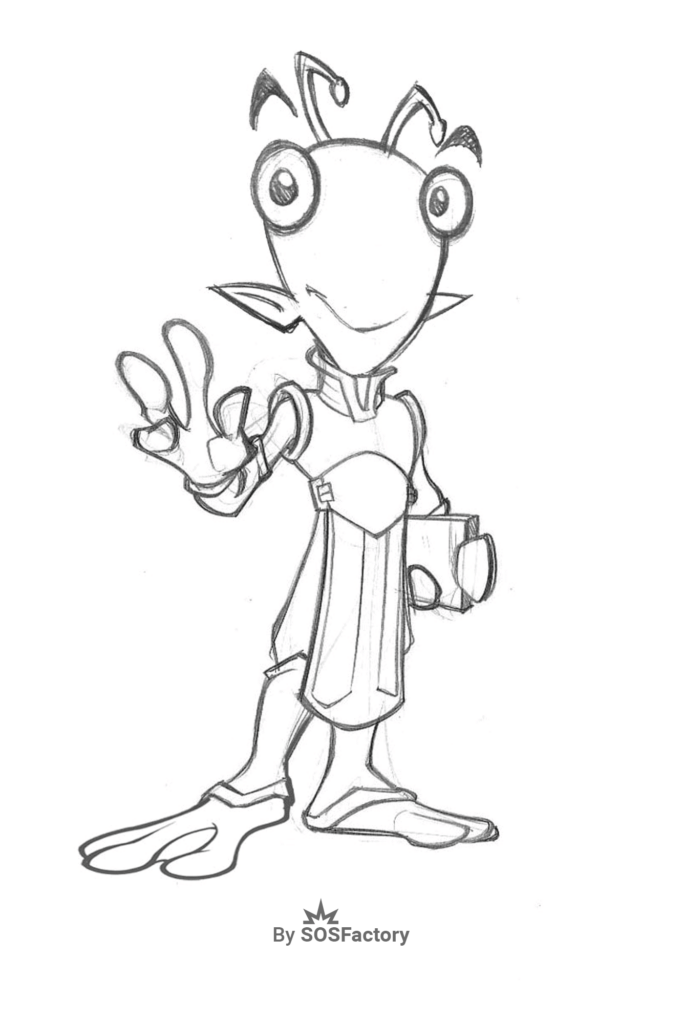
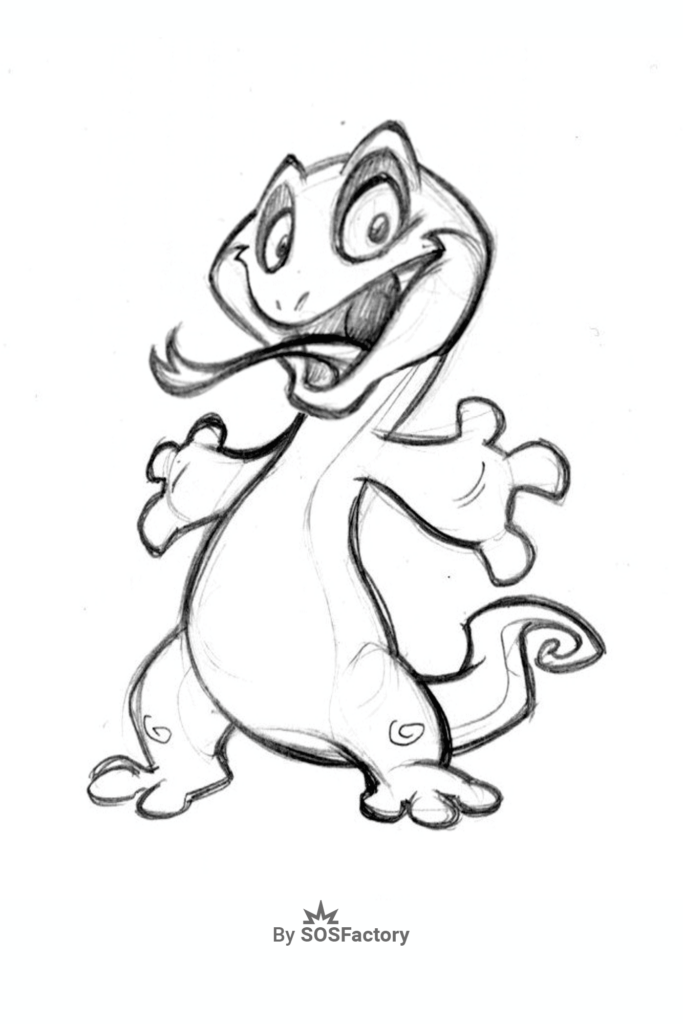
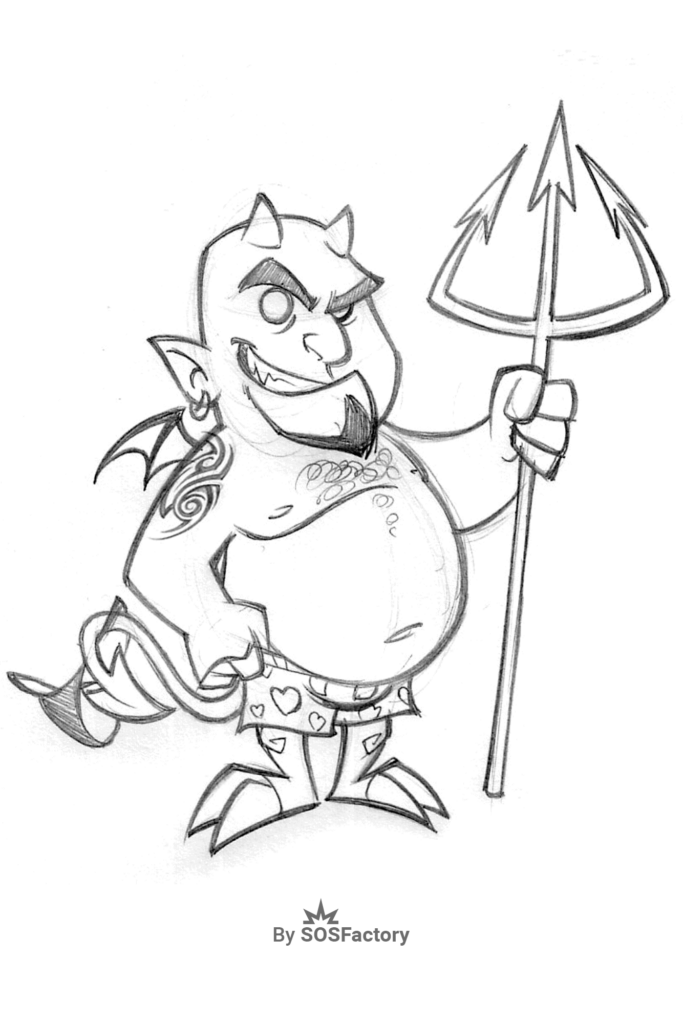
DRAWING EXERCISES LIST:
improvING your character’s posing
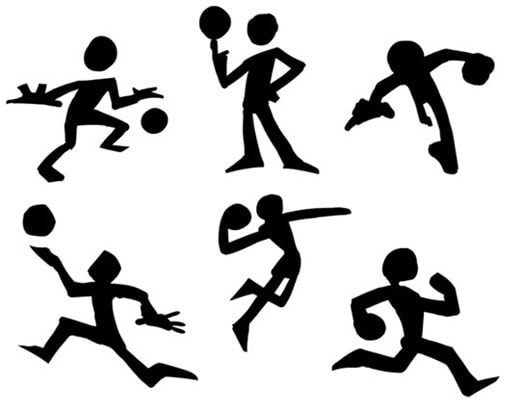
DRAWING EXERCISE: The task here is creating a character that communicates different moods, attitudes, or actions without any lines, just a black shadow. If you do good work, your mascot design pose will be understandable.
Key Concept: A key principle in character design is silhouette clarity—it means that a pose should be instantly understandable even when reduced to a solid black shape. If your character’s attitude or action reads clearly in silhouette, the pose is strong.
WATCH: How to Simplify the Figure for Dynamic Posing by Sycra

WHAT DO WE LEARN? The pose is one of the most important aspects when it comes to showing attitudes, which is key in creating good character designs. A good silhouette makes it easier and quicker to understand the character’s pose. A pose can have different silhouettes depending on the position of the camera; you must learn to find the best angle.
Fast sketching from visual reference
DRAWING EXERCISE: Choose any cartoon or mascot character you like. Look at it as long as you need—observe the overall shape, gesture, and proportions. Then, set a timer for 45 seconds and sketch it quickly. You’re allowed to look at the reference while drawing.
Key Concept: In this context, fast sketching is a drawing method where you work under time limits to capture the essential forms and movement of a subject.
WATCH: How to build characters based on proportions by Visual Arts Brampton
WHAT DO WE LEARN?: Newbies tend to focus on the details of the character and ignore it as a whole, which is a huge mistake. By limiting the time to just 45 seconds, you force your brain to focus on the basic shapes. This drawing technique is key to creating well-constructed poses.
Drawing A CARTOON character from Memory
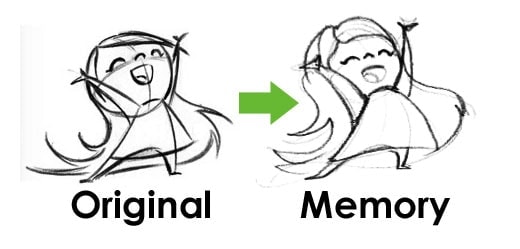
DRAWING EXERCISE: Choose a cartoon or mascot character you like and observe it carefully for 2 minutes. Then, take a 1-minute break without looking at the image. After the pause, draw the character entirely from memory. If it feels too easy, challenge yourself with more complex characters. Repeat the process and compare results to track your improvement.
Key Concept: In this drawing exercise, visual memory is the ability to retain and recall the essential features of a character after brief exposure, helping you internalize shapes, structure, and design logic.
WATCH: Drawing villains from memory by Jazza
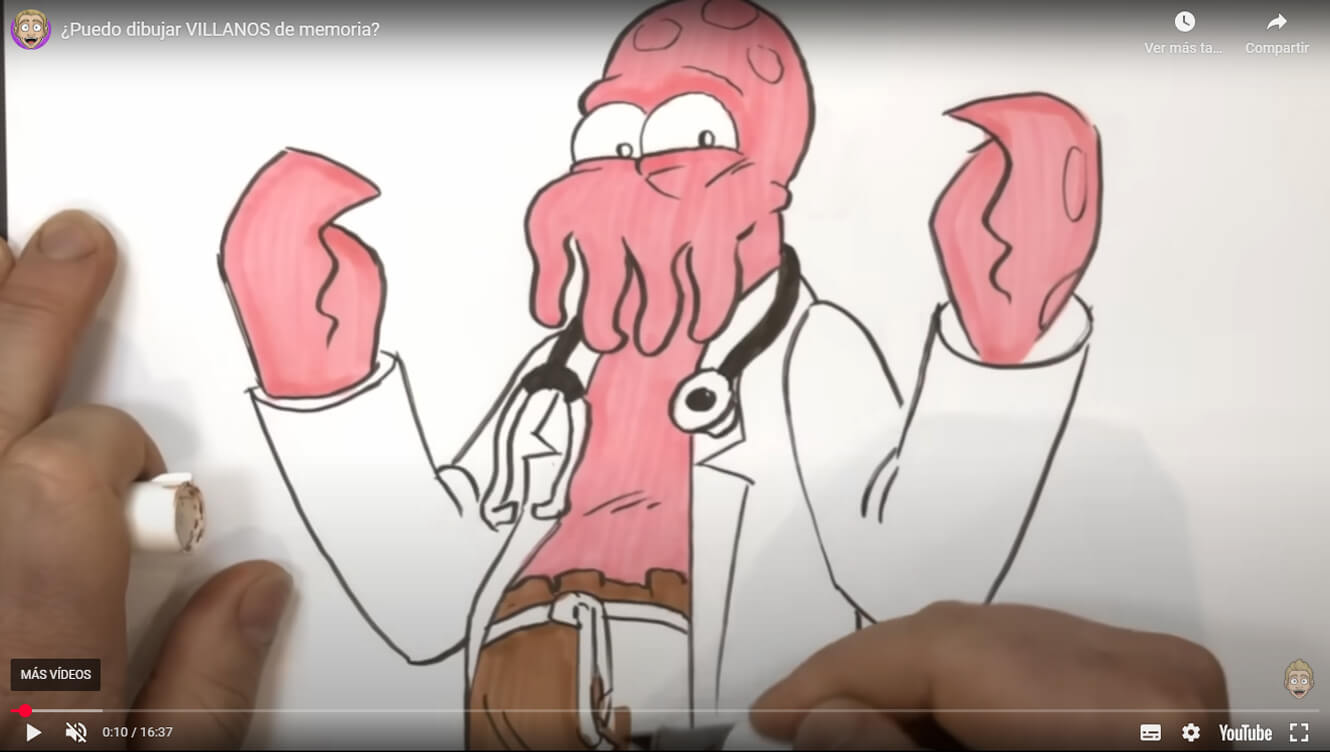
WHAT DO WE LEARN? when we are not experts we tend to draw cartoon characters through visual references. With this exercise, we add resources to our mind. With practice, those resources will come to your mind automatically and you’ll learn how to draw characters unconsciously, just by imagining.
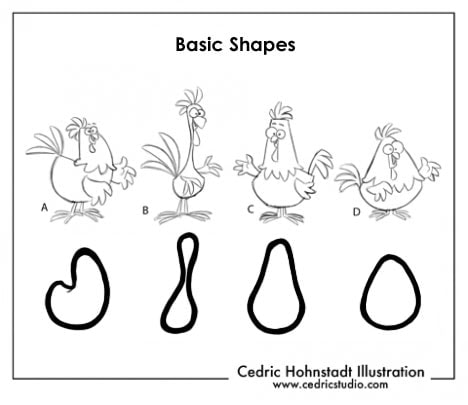
Reducing characters to basic shapes
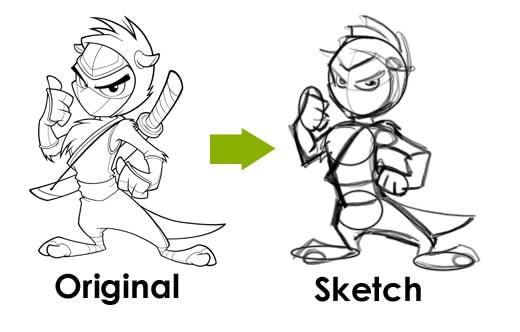
DRAWING EXERCISE: Choose a well-designed cartoon. Study the design carefully and identify the basic geometric shapes that form its structure (circles, ovals, rectangles, triangles). Then, redraw the character using only those simple forms. The goal isn’t to copy the details but to capture the underlying construction that makes the design work.
Key Concept: In character design, shape language is the use of basic geometric forms like circles, squares, and triangles to express personality and tone. Mastering this concept allows you to reduce a character to its essence without losing impact.
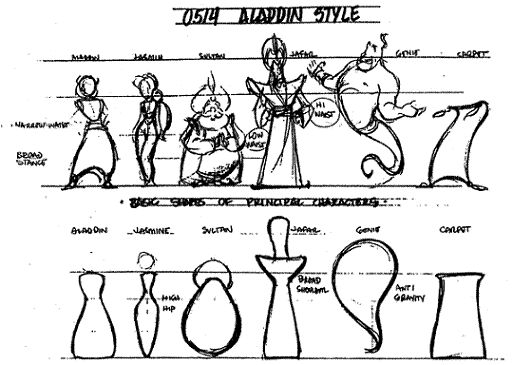
WATCH: How to build characters through basic shapes by Powerhouse Animation Studios
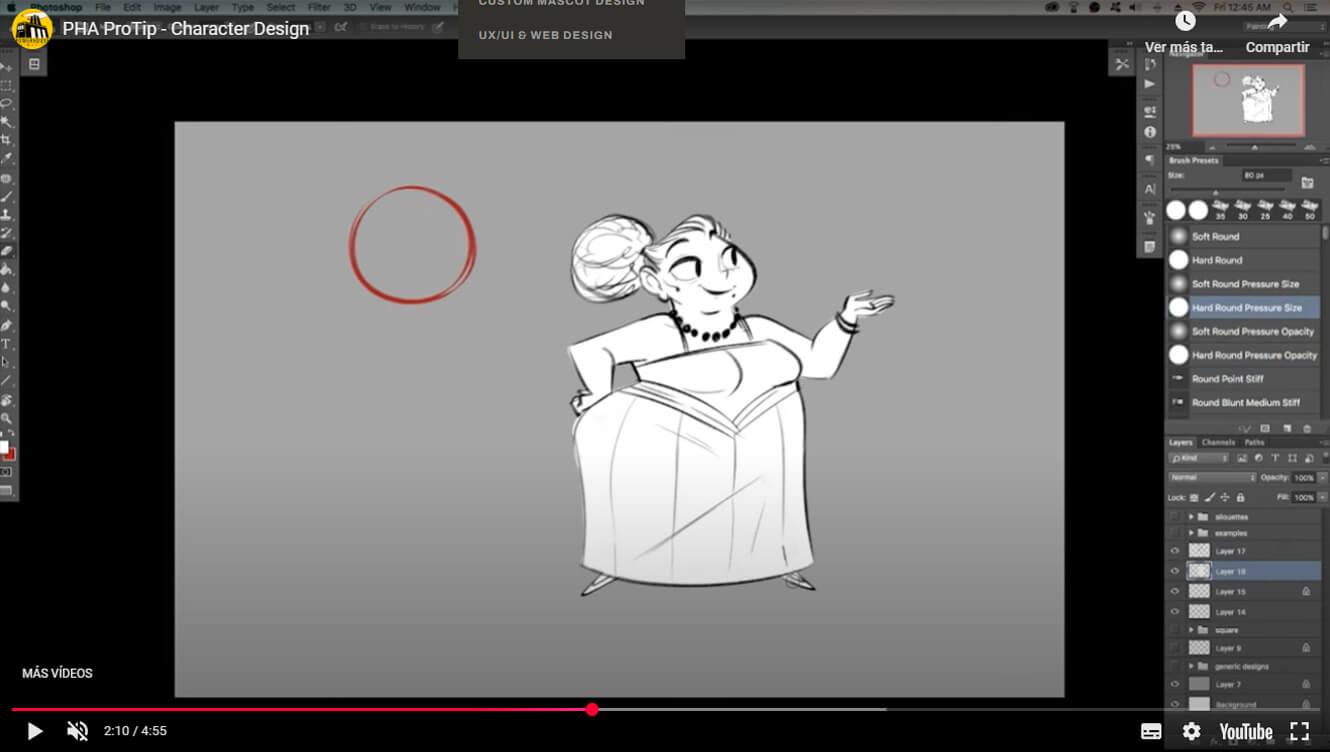
WHAT DO WE LEARN? This is a very good drawing exercise for beginners. If you want to learn how to draw cartoons, you must “understand” the basic shapes behind complex character designs; once you understand the basic shape, you will pose the character easily. The outcome will be more dynamic and consistent.
From basic shapes to detailed CHARACTERS
DRAWING EXERCISE: In the previous exercise, you learned how to break down complex characters into simple shapes. Now we flip the process: your goal is to build a character from basic forms. Start with only a basic form, then add details and refine the silhouette.
Key Concept: In this exercise, shape construction means starting from a simple geometric base and gradually adding detail to create a fully developed character.
WATCH: How to draw cartoon people by Christopher Hart
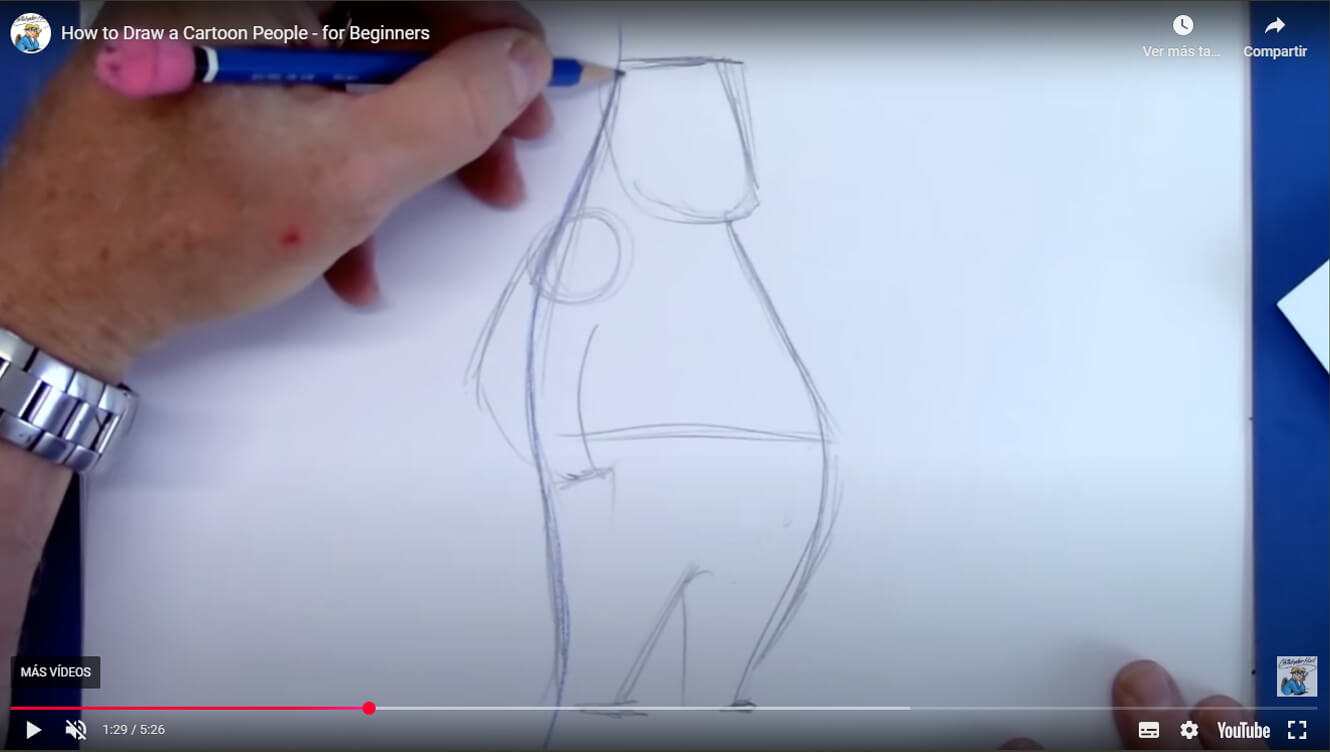
WHAT DO WE LEARN? Simple and effective cartoons are made with very basic shapes. In this exercise we learn to put details into the right place. Once you master this drawing technique, your characters will be well constructed.
Become a Professional Character Designer!
-
 This product has multiple variants. The options may be chosen on the product page
Learning digital drawing with Photoshop
10$ -
 This product has multiple variants. The options may be chosen on the product page
Learning digital painting in Photoshop
Price range: 6$ through 10$
Learn my best Photoshop tips and tricks about digital inking and digital coloring for character design. With technique and some practice you can also make a living from the characters you imagine.
IMproving action lines in cartoon character
DRAWING EXERCISE: Choose an image of a cartoon character you like. You can use one from my mascot design poses gallery. Your task is to find the action line.
Key Concept: An action line (also called a line of action) is an imaginary line that runs through a character’s body to show the overall direction and flow of a pose. It captures the energy, rhythm, and movement of the figure, helping artists create dynamic and expressive designs. It’s one of the first steps in sketching a character and is essential for making the pose feel alive and natural.
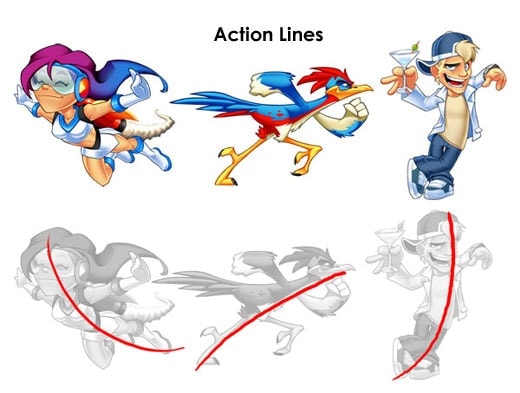
WATCH: Gesture & Line of Action Explained by Aaron Blaise
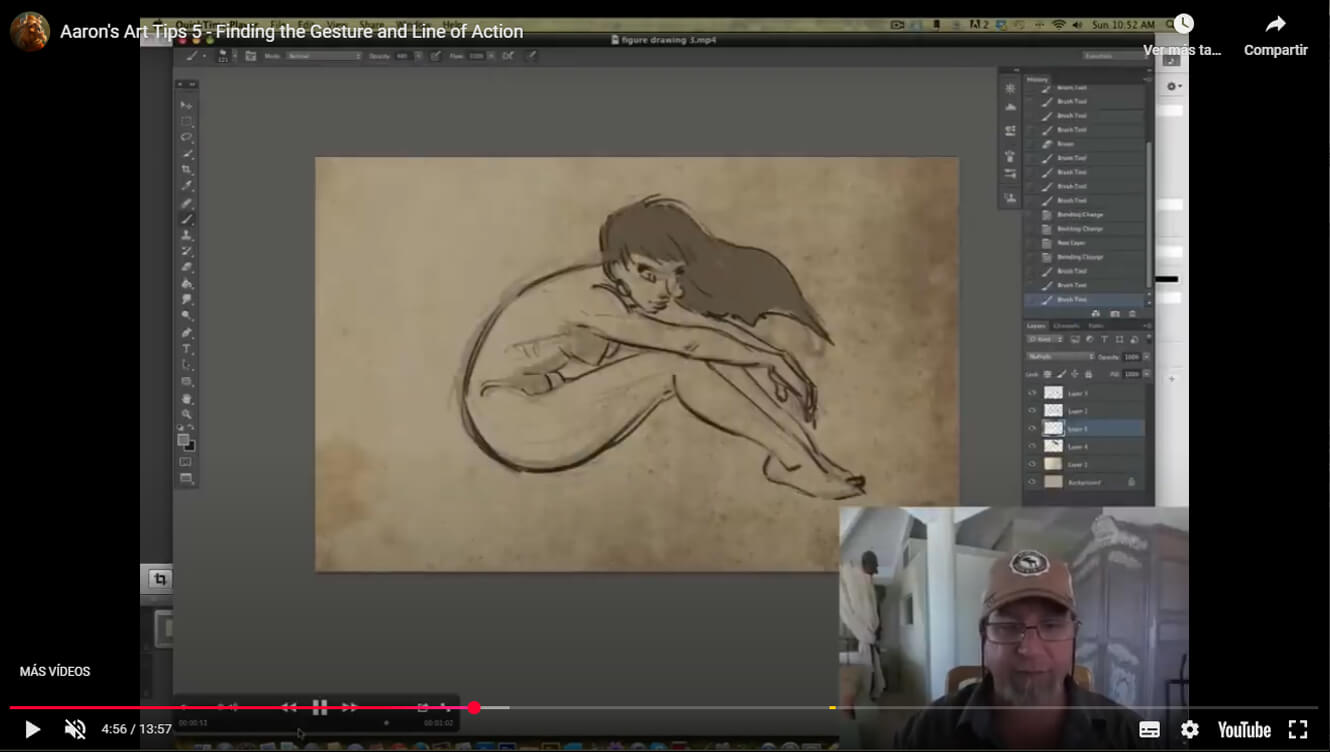
WHAT DO WE LEARN? Creating cartoon characters with good action lines flow natural and dynamic even if they are in a relaxed pose. When the action line is applied to your mascot design properly, the pose becomes more interesting and easy to understand for the viewer.
REDRAWING A CHARACTER LIKE A PRO
DRAWING EXERCISE: Pick a professional mascot design you like and draw its body structure from the ground up—just like a pro would. In the video below, I share a few tips to guide you through the process.
Key Concept: In this final step, integration means putting all previous concepts into practice—shape language, construction, fast sketching, line of action, silhouette—to rebuild a character with real structural understanding, not just imitation.
Here are some tips:
- Start with simple volumes. Newbies start drawing based on lines, it may work when you copy a character but you will fail miserably whenever you want to change the character’s pose because you didn’t understand the structure. This is the difference between copying a character and moving a character.
- Places eyes correctly. The easiest trick to place then in the right place is imagining the character is wearing a mask. Before drawing the eyes, draw the mask with the face expression you like.
- Painting shadows. If you don’t fully understand a volume, try adding shadowing; it will help you a lot.
- Draw the middle line. Splitting the character in 2 halves helps you to place elements in the right place and with the correct perspective. In this case my character is not completely frontal, so I displaced the middle line to the right.
- Draw hidden parts and then overlay elements. Observe how I drew the hand, then the fingers, and finally the keys.
- Add details at the end, only when your character’s structure is solid. Starting just the opposite is a very common newbie mistake.
- Create horizontal lines adapted to the volume; it helps you to understand how to place elements.
- SECRET TIP: Whenever you are happy with the result, flip your drawing horizontally (or put it in front of a mirror), and all small mistakes will pop up. When you observe a draw for a long time, your lazy brain gets used to it; by mirroring, you are forcing it to watch it like a new visual stimulus.
WATCH: How to Draw Mascot Characters by SOSFactory
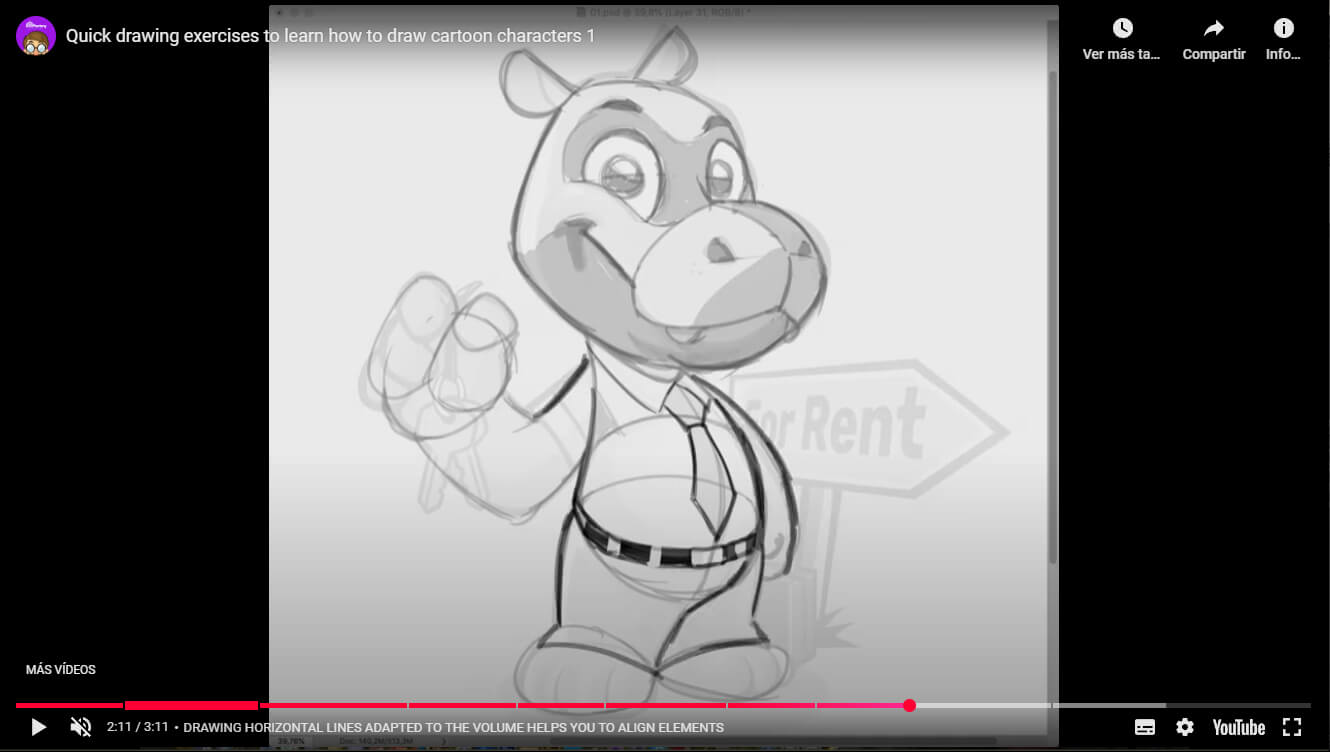
WHAT DO WE LEARN? When we start creating cartoon characters, we tend to acquire lots of bad habits that will make our learning curve steeper. By rebuilding a character constructed with solid foundations and doing it like a pro, we learn good habits that will result in more natural shapes. It also gives us strong principles to start posing our characters… the real challenge of any mascot designer.
THE CHARACTER DESIGNER F.A.Q
Which tools do you need to create digital characters?
Procreate, iPad, and Apple Pencil are wonderful tools, but I consider them a secondary portable setup. For professional production, I still prefer my desktop station (Macbook Pro + Wacom Cintiq + Photoshop); feel free to visit my post about how to pick the best drawing tablet.
Want to learn how to create digital characters?
I have 2 Premium Masterclasses:
Digital drawing in Photoshop: once you master traditional drawing, transitioning to digital character creation is not that hard. You can buy my detailed premium videotutorial about digital drawing with Photoshop aimed at newbies who want to become professional illustrators.
Applying color in Photoshop: finally, when you master traditional drawing and you know the basics of digital drawing, you can start adding color. This is probably the most detailed Photoshop videotutorial on the web to learn how to create professional digital coloring in Photoshop.
More Educational Resources
- Pinterest boards for: anatomy, drawing exercises, face expressions, dynamic poses, static poses
- My Youtube short tutorials
- Books: The illusion of life
PabloVM
Posted at 10:03h, 21 SeptemberLos seguire aver que tal
Carlosmlr
Posted at 21:12h, 21 SeptemberEn verdad q siempre me llevo una gran sorpresa cada vez q entro en tu pagina….. Muchas gracias por ayudar a los q ayudarnos a mejorar en lo q hacemos…. Espero q siempre tengas unos minutos para dedicarnos aunque todos sabemos lo q t cuesta.
JCMaziu
Posted at 06:28h, 22 SeptemberWow Sergio, cada vez flipo mas con tu página.
En ella encontré la motivación que necesitaba para volver a dibujar. Aunque he perdido bastante práctica tu tutoriales me estan siendo de bastante ayuda.
Saludos de otro boqueron.
Diana
Posted at 14:59h, 22 SeptemberHola, Sergio, vaya ¡esta es una gran idea! últimamente siento que me bloqueo al querer dibujar algo, me encanta el estilo cartoon y suelo practicar con el libro de Preston Blair y cosas así, , voy a hacer los ejercicios y a ver q tal, te los envío para exponerlos por aquí. Saludos 🙂
Sergio Ordonez
Posted at 16:06h, 22 September[lang_en]Thanks a lot buddies, I´m glad you think its useful, much more to come :)[/lang_en][lang_es]Muchas gracias amiguetes, me alegro que os sea útil, muchas cosas más están por llegar :)[/lang_es]
K@5D
Posted at 12:43h, 22 Septemberwow amigo genial, es buena practica para mi, ke buen espacio, ke buen material estas brindando gracias y saludos
Diana
Posted at 02:36h, 23 SeptemberSergio, espero que muestres más bocetos como el de tu mascota, el ninja, 🙂 si es posible.
iPad
Posted at 01:38h, 23 SeptemberQue excelente!!! Voy a estar muy atento, me interesa mucho esta práctica.
Tebe
Posted at 10:48h, 23 SeptemberLooks quite useful, definately gonna spend some time with this later! Thanks for sharing as they say. 🙂
Skatt
Posted at 08:41h, 24 SeptemberEnhorabuena por el post y por el blog en general, tiene todo muy buena pinta, espero que estos ejericios y los que publiques en el futuro me ayuden a mejorar mis cutres dibujos 😛
Diana
Posted at 14:52h, 26 Septemberjaja, gracias por ponerlos aquí 😛 el pajarito me quedó idéntico y la verdad que en el último ejercicio, me pareció casi imposible terminarlo en 45s! !Saludos!
JMChakon
Posted at 18:18h, 28 SeptemberIncreible! esto me viene de lujo… intento dibujar… pero nada, no me sale con el papel en blanco 🙁 a ver si avanzo con tu clases 😉 GRACIAS!!
laurice
Posted at 04:35h, 01 OctoberQuiero aprender español..
inedeo
Posted at 22:04h, 01 OctoberHOLA saludos Sergio excelente tu blog y el nuevo diseño quedo expectacular y los temas muy bueno estos tutoriales estan muy bueno a practicar se dijo GRACIAS de nuevo.
Saludos
Iriza-D
Posted at 01:19h, 04 OctoberDecir gracias seria poco, mi muestra de admiracion es empezar a manchar el papel con grafito y sudor..
Diana
Posted at 01:43h, 06 Octoberhey, que friki, solo yo he enviado mis dibus jaja 😛
Iriza-D
Posted at 02:49h, 06 OctoberMis dibujos no son lo q se llamen bonitos, asi q alomejor despues de hacerlo unas 30 veces me digne a mandarlos
josue esquive
Posted at 22:00h, 06 JanuaryTe mandaste!!! Uno de los mejores, debo decirte que con la poca experiencia que tengo,ver trabajos como estos te impulsa a continuar.
Fran
Posted at 19:20h, 10 JanuaryBuenas a todos, ayer mismo descubri este sitio,y solo puedo quitarme el sombrero frente a este pedazo de artista, por la calidad de sus trabajos, por su humildad de compartir sus conocimientos con todos los demas.Como he leido en otro comentario , este site me ha servido de motivacion para volver de nuevo a dibujar,sinceramente muchas gracias Sergio!
santiMalaka
Posted at 18:15h, 27 Januarywow! si señor!! esto es bastante útil, ahora estoy dibujando unos pollos y me vienen de maravilla para construir el personaje, necesito practicar mucho, pero bueno…en fin, muchísimas gracias Sergio! un saludo.
krish
Posted at 12:48h, 17 MarchNice one.. looking for more in future…
Nitesh
Posted at 16:26h, 26 Octoberhi sergio
This would be helpful.But my problem is i can draw cartoon face by imagination but when i try to draw hands,leg and body.Every thing gets messed up.Face drawing is easy for me.
Please suggest how do i improve it.
Sergio Ordonez
Posted at 16:33h, 26 OctoberHi Nitesh, I replied in your other comment.
Please, check this link: http://tracyjb.deviantart.com/art/Lackadaisy-How-to-Draw-34701897
It´s all about practice.
Nicolás
Posted at 03:02h, 13 NovemberEsas siluetas estan dibujadas con una tableta digital?, o en hoja con algun marcador?.
Siempre me gusto dibujar, desde que era chico pero al pasar los años deje de hacerlo y me concentre en otras cosas. Pero en esa epoca era muy bueno, podia dibujar cualquier personaje de dragon ball bastante similar al original (aunque tenia que estar viendolo), conocerte me dio esperanza de poder llegar a un nivel alto. Pensaba que para poder hacer trabajos como los tuyos necesitaba muchisimo talento y por ese motivo jamas volvi a dibujar. Hoy en dia estoy oxidadisimo, no puedo dibujar ni un cuadrado.
Al leer lo que vos decias sobre que tu “talento” es practica practica y mas practica me volvio a dar esas ganas de dibujar. Como futuro diseñador grafico y web dibujar es la clave para sobresalir entre la multitud, no solo para mascotas y logos, sino tambien para hacer iconos o algunos detalles para nuestros proyectos que sean unicos y de gran impacto visual que no todos puedan conseguir bajandolos de algun stock.
Estoy practicando entre media hora y una hora las siluetas, hoy es mi 2do dia y realmente mejore bastante, las primeras 10 siluetas fueron un asco, en ninguna podia decir que estaban haciendo mis siluetas XD.
Tus siluetas son tan simples, pero tan buenas al mismo tiempo, espero que con practica y horas mas bien AÑOS pueda tener tu nivel, saludos y mil gracias Sergio!.
Sergio Ordonez
Posted at 11:02h, 13 NovemberHola Nicolás, muchas gracias 🙂
Las siluetas están hechas con Wacom Cintiq directamente en Photoshop, pero eso es lo de menos, puedes usar papel y lápiz para practicar.
Te animo a que sigas practicando, con mucha práctica y un poco de talento puedes llegar donde quieras.
Mándame por email algunas de tus siluetas que las pongo en el post.
Suerte!
Nicolàs
Posted at 14:11h, 13 NovemberVoy a hacer algunas siluetas en photoshop cuando no este tan oxidado asi te las puedo pasar, porque no tengo un scaner para subir los dibujos en lapiz, aunque es una de las cosas que tengo pensado comprar.
babi00
Posted at 21:40h, 19 MarchThank you very much for your exercises! I’ll try to. Your work is very usefull! Thank you for all your hard work!
...
Posted at 13:47h, 14 AugustWhy you haven’t wrote that not everybody can learn? I copy since 3 years, i draw from references from abut one year and i still can’t draw at all from memory.
Sergio Ordonez
Posted at 08:06h, 19 AugustAbsolutely everybody can learn to draw, 3 years drawing and no progress? You are doing something wrong.
Cindy Glass
Posted at 02:12h, 29 SeptemberI`m doing very good progress now! p.s. this is Cindy`s 10 year old daughter. 😀
joe...l
Posted at 04:16h, 20 DecemberSergio dejame decirte que soy un fan de tu estilo ,desde que por casualidad me encontre uno de tus tutoriales buscando en el internet,.
me gustaria saber si me pudieras dar una sugerencia en como afinar los strokes , ya que ese es uno de mis mayores retos por el momento,aunque obtengo la figura adecuada, Siempre las lineas no me quedan tan limpias como quisiera.
Kevin. Smith
Posted at 14:45h, 30 SeptemberThank you for this great compilation of videos tips tricks and concept ideas!
Donald
Posted at 16:21h, 23 Februaryto all commenters… ENGLISH.. do you speak it?
sergio ordonez
Posted at 17:22h, 23 FebruaryThis is a bilingual blog and everybody is welcome to use Spanish or English.