5$
Photoshop Layers to PNG without prefixes
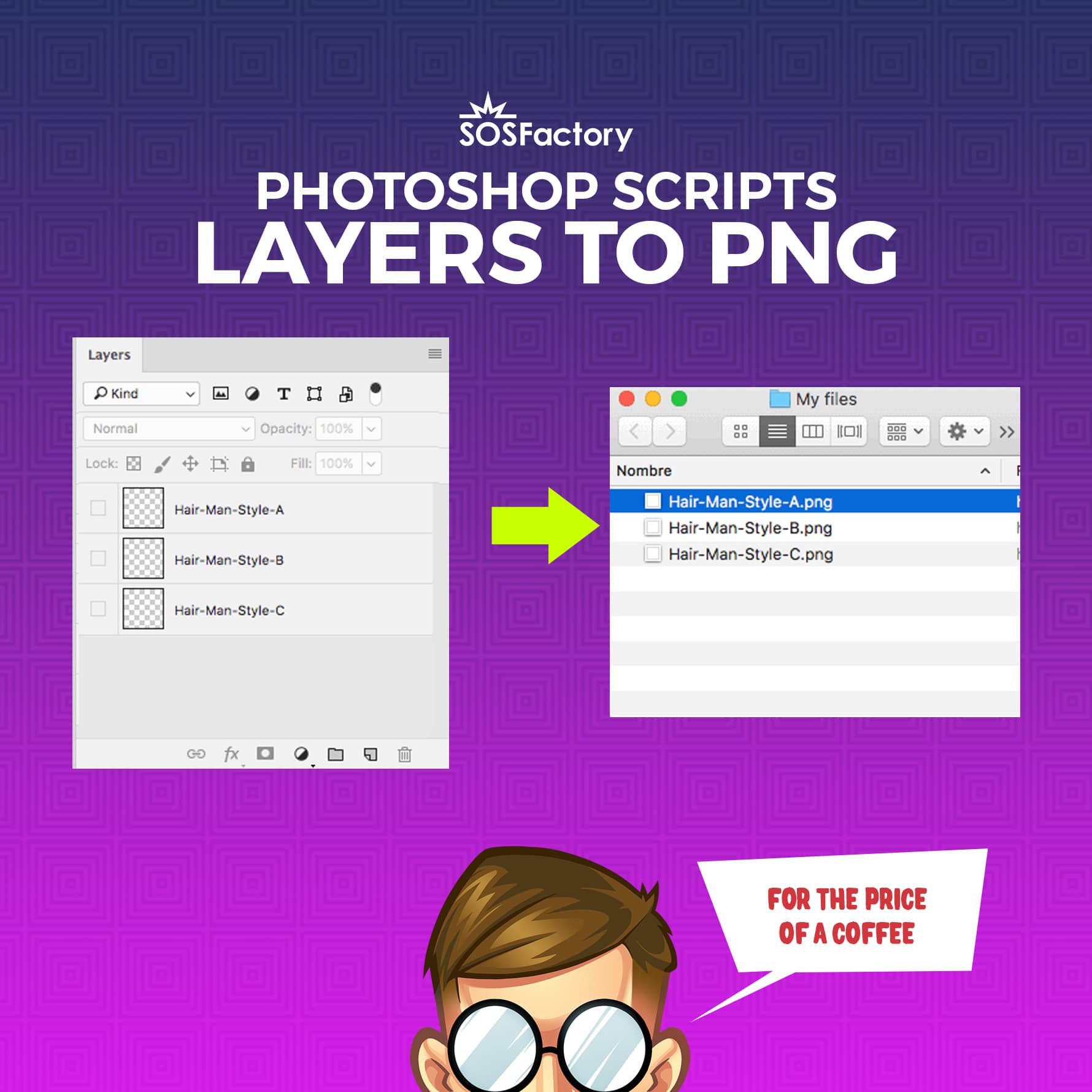
Custom Photoshop script that export layers to PNG files. It preserves the size of your canvas, the relative position of your image and the layers name. No more _0000_ prefixes.
or
SKU: SCRIPTS-PS-POSITIONEDPNG
Export Photoshop layers to PNG files
With this script you can export layers to PNG files preserving the original position into the canvas (not trimmed images), it preserves the size of your canvas, the relative position of your image and the layers name. Together with Bulk Rename you can bulk export layers to PNG with custom names.
No more annoying _0000_ prefixes that native Photoshop script layers to files inserts into your png files.
This could be very useful, for example, if you plan to build a web based avatar creator.
You have this.
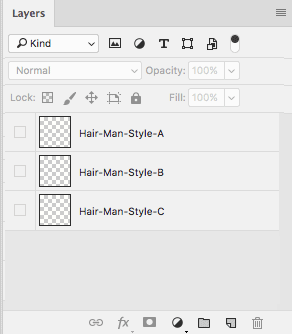
Run the script and get this.
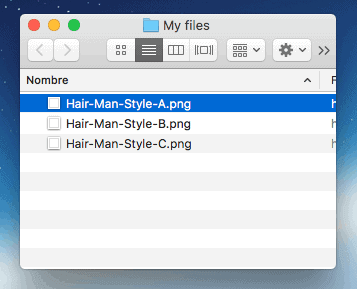
… while preserving the original placement.
File > Scripts > Browse… locate layers-to-png.jsx file and click OK
Feel free to contact me if you need to customise our Layers to PNG script.